Part 2: Admin Site
Original: http://docs.djangoproject.com/en/dev/intro/tutorial02/
Activate the admin site
Die Admin Seite muss explizit aktiviert werden:
from django.conf.urls.defaults import *

# Uncomment the next two lines to enable the admin:
from django.contrib import admin
admin.autodiscover()

urlpatterns = patterns(‘’,
    # Example:
    # (r’^mysite/’, include(‘mysite.foo.urls’)),

    # Uncomment the admin/doc line below and add ‘django.contrib.admindocs’
    # to INSTALLED_APPS to enable admin documentation:
    # (r’^admin/doc/’, include(‘django.contrib.admindocs.urls’)),

    # Uncomment the next line to enable the admin:
    (r’^admin/(.*)’, admin.site.root),
)
(Die fett dargestellten Zeilen müssen auskommentiert werden)
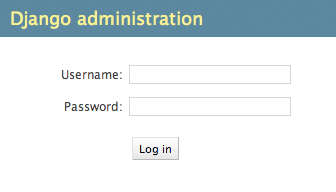
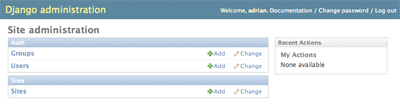
Make the poll app modifiable in the admin
...
Explore the free admin functionality
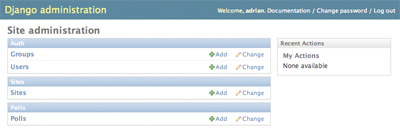
Klick auf “Polls.”
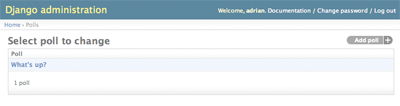
Klick auf “What’s up?” zum Bearbeiten:
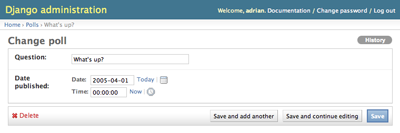
Hinweise:
- Das Formular wird automatisch aus dem Model erstellt.
- Die HTML Eingabefelder werden entsprechen dem Model Field (z.B. django.db.models.DateTimeField) erstellt.
Customize the admin form
...